Product tour
See what an hour of Milo looks like
One minute through the parts you will use most: the plan, the evidence behind it, and the coach that proposes changes rather than making them.
On your iPhone
How the app builds your plan
The web hub is where you read your training; the phone is where you capture it. Building a plan takes four answers and about a minute — and you can change any of them afterwards.
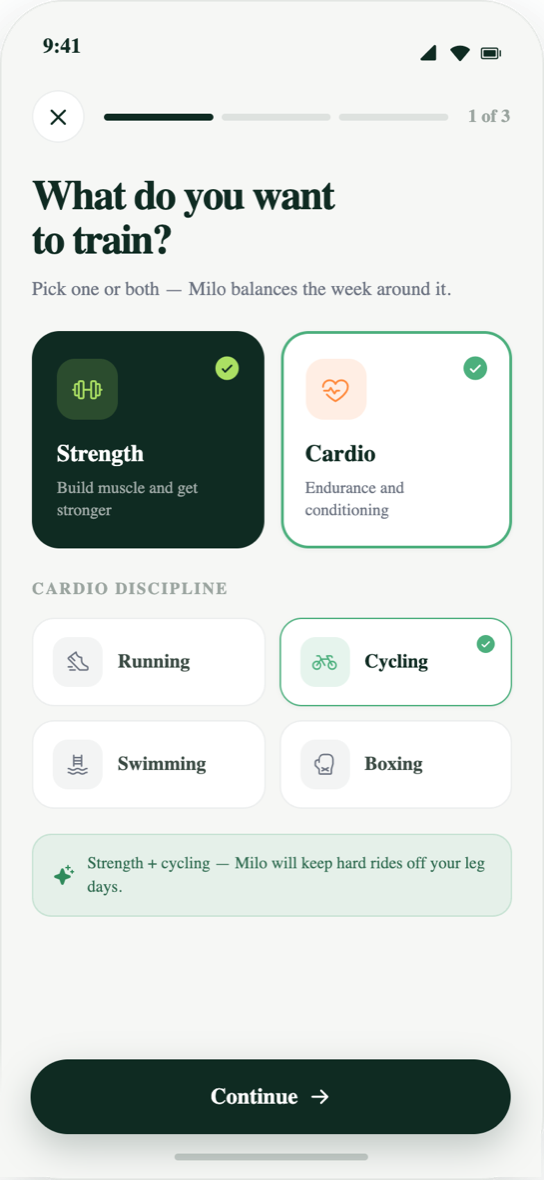
Step 1
Say what you are training for
Strength, endurance or a mix of both. This is the answer everything else is sized against — the split, the weekly load, and how the plan progresses from one block to the next.
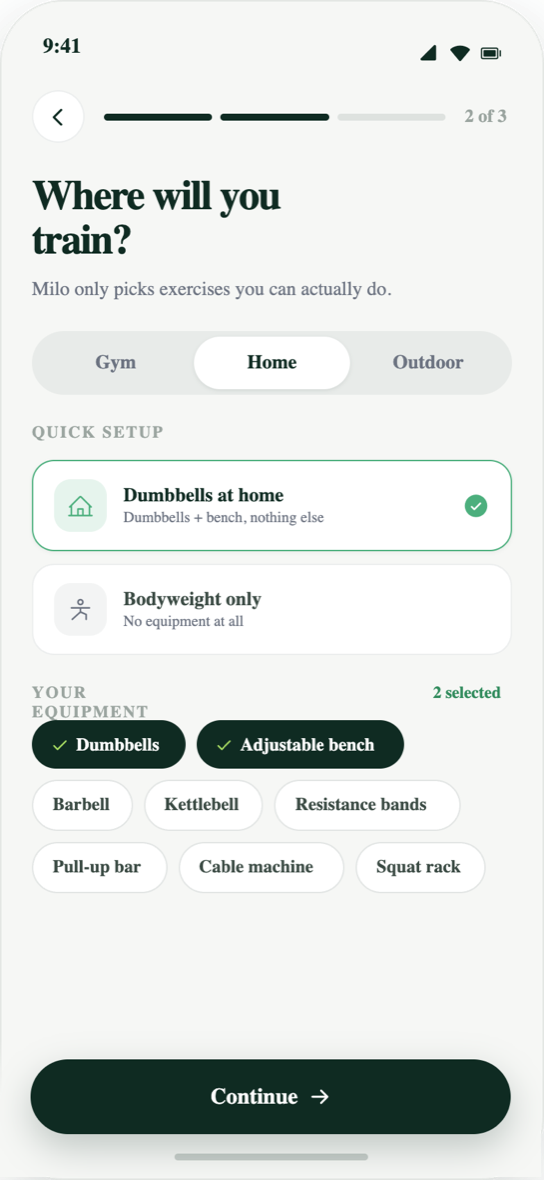
Step 2
Say where you train and with what
A full gym, a rack in the garage, or a pair of dumbbells. Milo only programmes movements you can actually load, so the plan does not open on an exercise you have no way to do.
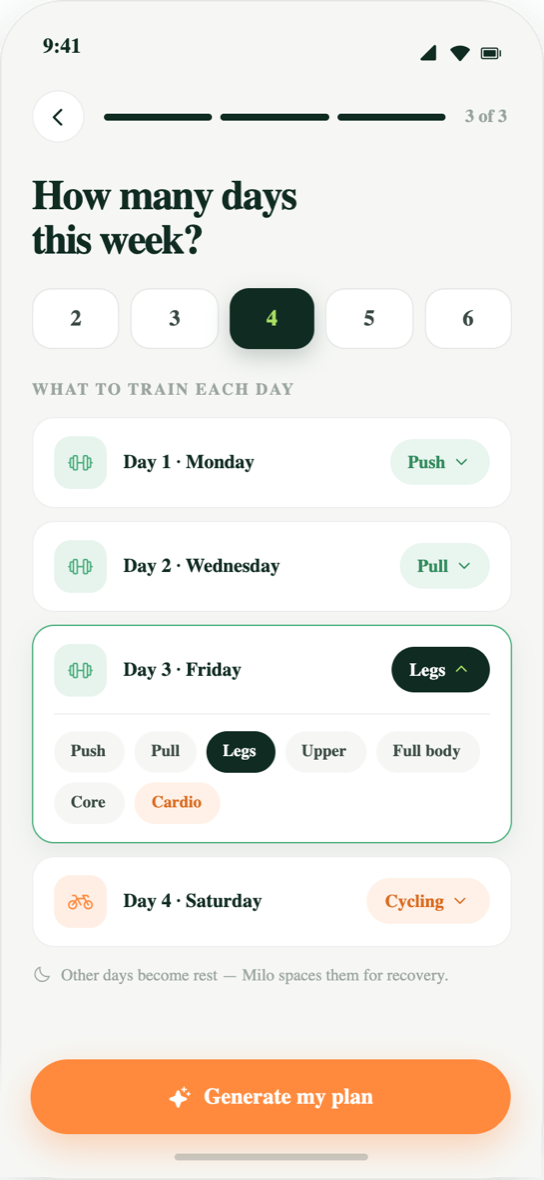
Step 3
Say how many days you have
Three days and four days are different plans, not the same plan with a session removed. The split changes with the number, and so does how much each session has to carry.
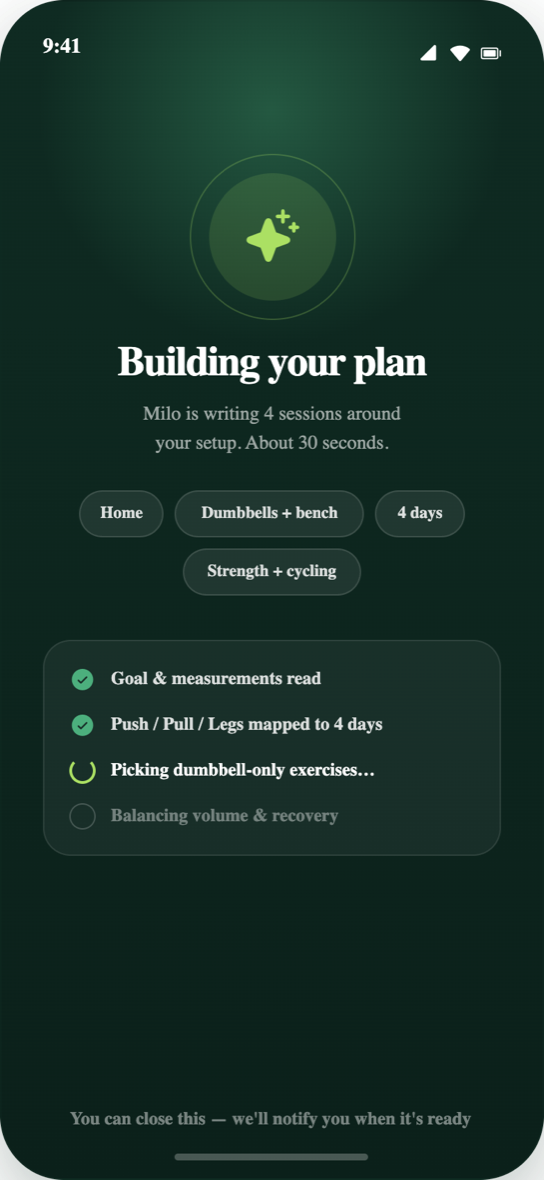
Step 4
Milo builds it
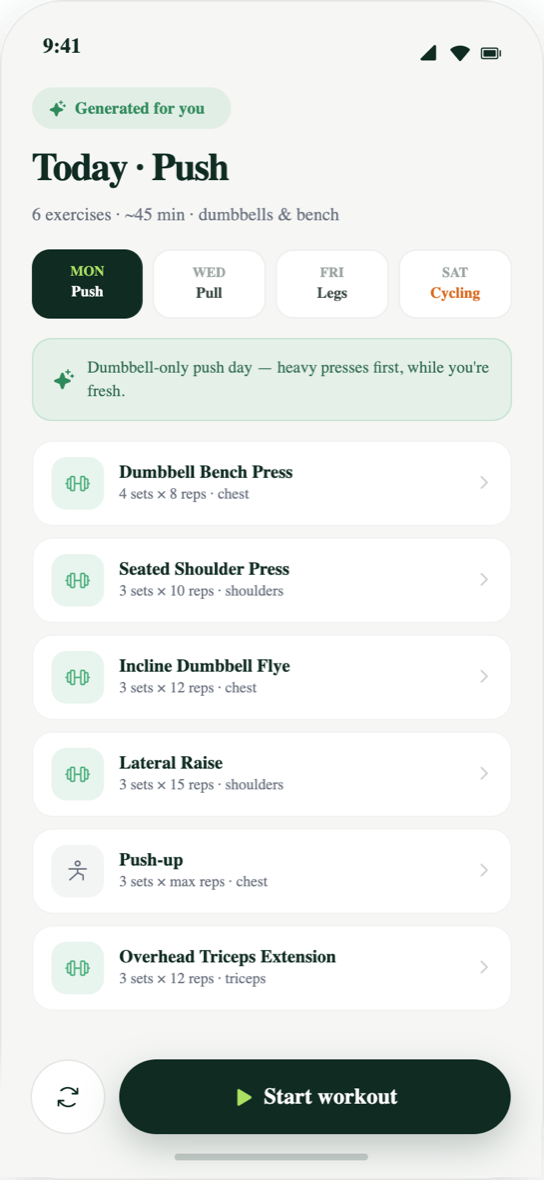
The plan comes back as blocks rather than a flat list of sessions — a base period, a build, and a peak, sized from your answers and from whatever training history you have already logged.
Step 5
Change anything you disagree with
The generated plan is a starting point, not a verdict. Swap a movement, move a session, or ask the coach why a week looks the way it does — every change is one you confirm, and every version stays in the history.
Start with your own goal
Everything above runs on your training, not on a template. The web hub and the iPhone app share one account.
Create your account